
Resource Hub
Screen Time and Young Children: An Evidence-Based Guide for NZ Parents
Published · Last updated · 8 min read

Contents
What is the sensible screen-time approach for young children in NZ?
For babies and preschoolers, screen time is not all the same. In New Zealand, the Ministry of Health active play guidance discourages screen time for children under 2. For ages 2 to 4, the advice is to limit sedentary screen time to less than 1 hour a day, and less is best. That does not mean every screen is harmful or that parents need perfect rules. What matters most is the pattern around use: how long, how often, what the child is watching or doing, whether an adult is involved, and what screen time is replacing. Passive viewing for long stretches is usually the biggest concern, especially when it pushes out sleep, outdoor play, conversation, free play, and hands-on learning. Short, shared, purposeful use is different from background TV or endless autoplay. In ECE, centres usually set their own technology policies, so it is worth asking how screens are used, how often, and whether the approach fits Te Whariki and your family's values.
Why this topic feels so hard for parents
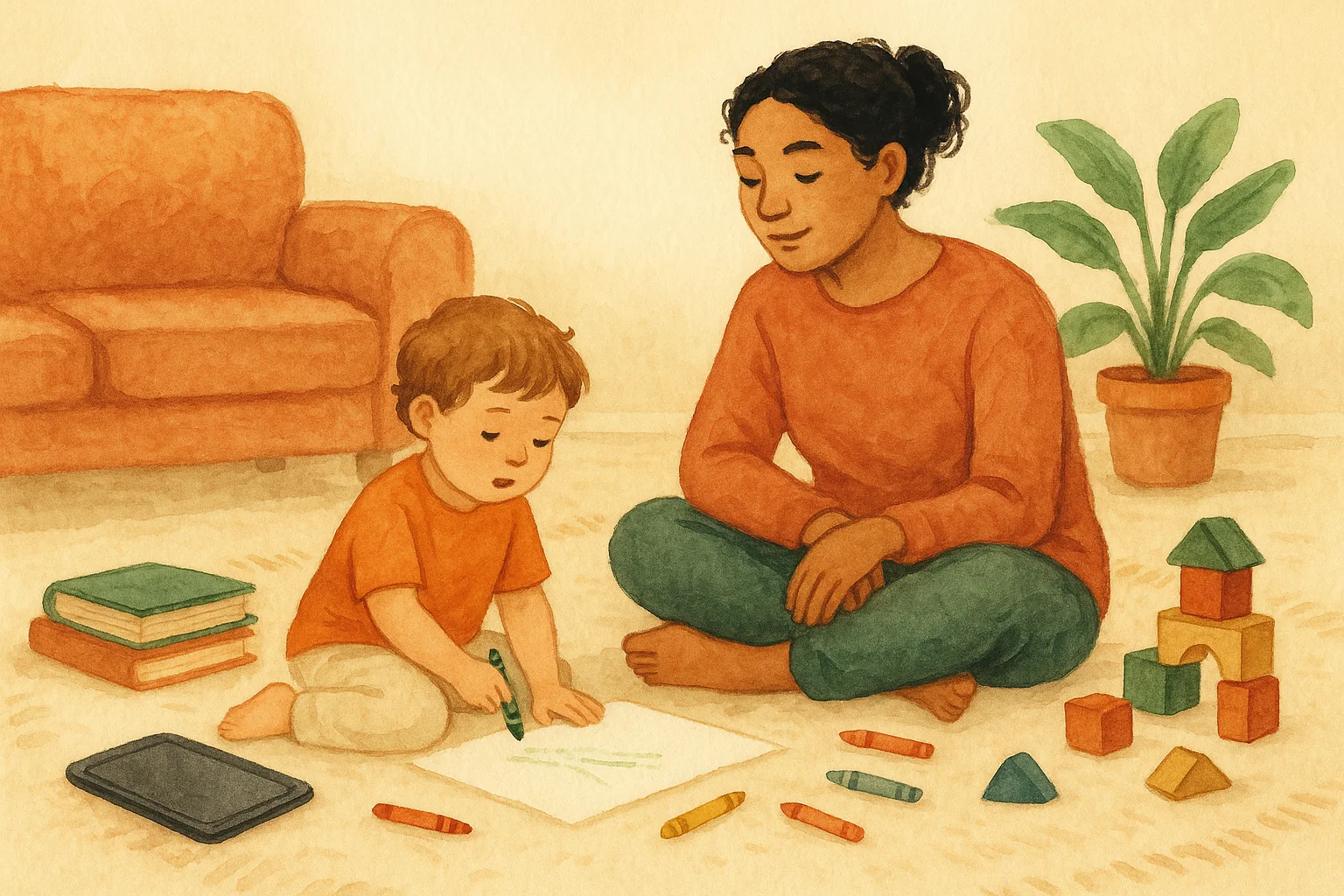
Most families are not asking whether screens exist. They are asking how to live with them sensibly. Phones are cameras, music players, maps, work tools, and a quick way to call grandparents. TVs can buy a parent ten minutes to cook dinner. Video calls help children stay connected with whānau. Some apps genuinely invite drawing, storytelling, or movement. At the same time, many parents can feel uneasy when screen time starts happening by default rather than by choice.
That tension is real because early childhood is a stage where children learn through bodies, relationships, repetition, and play. They need time to move, climb, talk, listen, imagine, make mess, and recover from boredom. Those experiences build language, self-regulation, social confidence, and problem solving. When screens begin to crowd out those ordinary but essential moments, the issue is not just the device. It is the loss of what should have happened instead. If you want a broader picture of what matters in the early years, our guide to child development in ECE gives useful context.
What the NZ guidance says
The New Zealand Ministry of Health active play guidance gives a clear starting point. For children under 2 years, screen time is discouraged. For children aged 2 to 4 years, sedentary screen time should be limited to less than 1 hour per day, and less is better. This sits alongside the wider idea that young children need plenty of active movement, enough sleep, and long stretches of real-world interaction.
A sensible way to read the guidance
The sleep part matters more than many people realise. Prolonged screen use, especially later in the day, can affect sleep. Sometimes it is the light, but often it is also the stimulation. A child who is revved up by rapid scene changes, exciting music, or endless next-episode cues can struggle to settle. Poor sleep then spills into mood, appetite, learning, and behaviour the next day. If a child seems more dysregulated after screens, sleep is one of the first places to look.
Not all screen time is the same
One reason parents get mixed messages is that screen time is often discussed as if every use is identical. It is not. A better question is: what kind of screen experience is this?
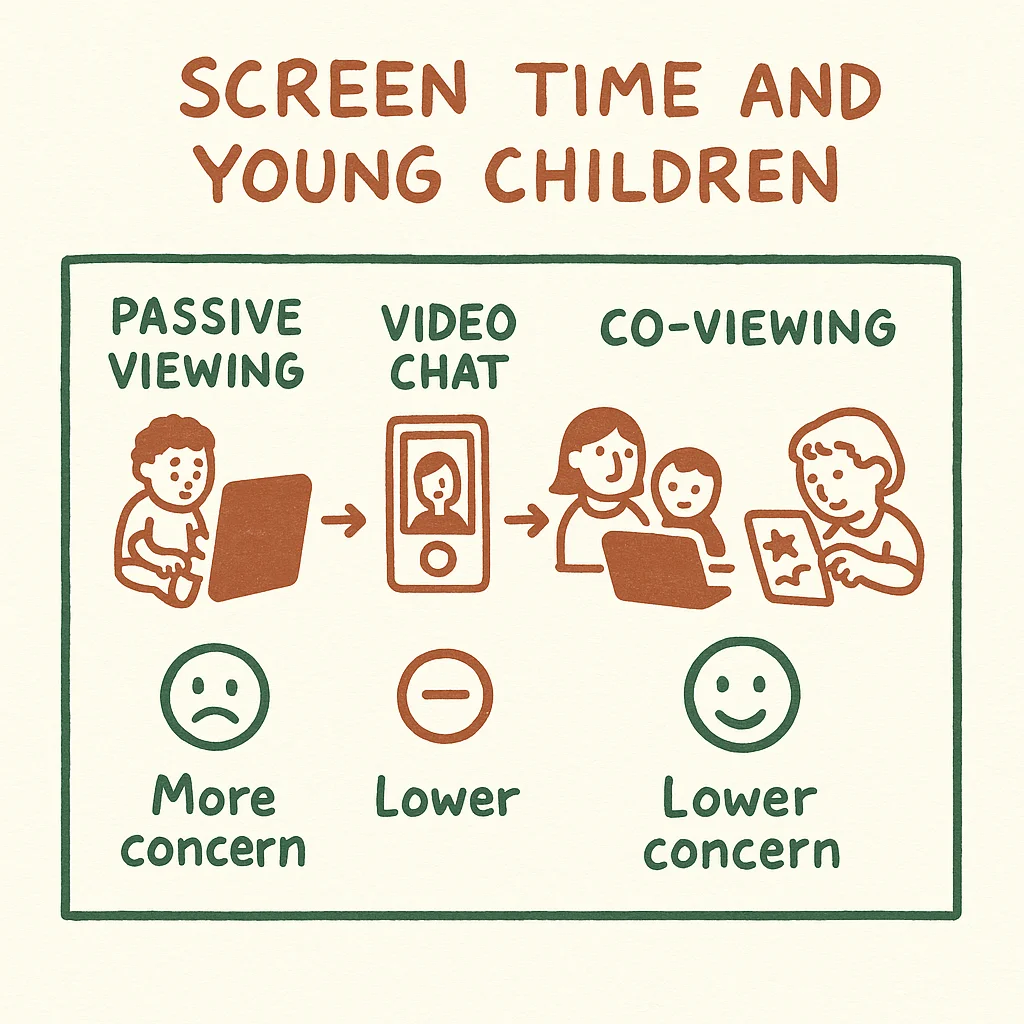
- Passive viewing: the child mostly watches, often with little interaction. Think autoplay videos, background TV, or long stretches of cartoons. This is usually the most concerning pattern when it is frequent or extended.
- Video chat: live conversation with grandparents, cousins, or a parent away from home. This is screen-based, but it is relational and responsive rather than passive.
- Co-viewing: an adult watches with the child, talks about what is happening, answers questions, names feelings, and links it back to real life. This can reduce passivity and support language.
- Interactive creation: drawing, making music, taking photos, recording a story, or using technology to investigate something together. This is different from tapping for rewards or repeating closed tasks.
- Skill-and-drill activities: highly repetitive digital tasks focused on right answers, quick rewards, and constant correction. In early childhood, these are generally less aligned with rich, open-ended learning.
This distinction matters at home and in early learning settings. Passive viewing tends to be more concerning than short, shared, purposeful use. A brief video call with Nana is not the same as an hour of solo scrolling. A teacher using a tablet to look up photos of insects after a child discovers a bug in the garden is not the same as parking a group in front of a screen every afternoon.
How Te Whariki fits in
Te Whariki, New Zealand's early childhood curriculum, supports learning that is relational, responsive, and grounded in exploration. Technology can have a place within that, but the key word is intentional. Used well, digital tools can help children revisit experiences, document learning, communicate with family, or extend an inquiry. Used poorly, they become a shortcut that narrows play or replaces hands-on discovery.
That is why Te Whariki is a better fit with open-ended, purposeful technology use than with skill-and-drill programmes. In practice, this means educators should be able to explain why a device is being used, what learning it supports, and why the same goal could not be better met through real materials, outdoor play, books, dramatic play, conversation, or art. If you want to understand the curriculum more deeply, our article on Te Whariki is a helpful companion. The same thinking also connects closely with play-based learning.
What this looks like in ECE centres
There is no single national rule that tells every NZ ECE service exactly how much screen time to use each day in every room. In reality, centres usually set their own technology policies. Some keep screens to a minimum. Some use them occasionally for music, movement, documentation, or research linked to children's interests. Others may have stronger digital programmes, especially with older preschoolers. This is why asking practical questions matters more than assuming all centres are the same.
A thoughtful centre should be able to describe its approach clearly. You should hear words like intentional, occasional, shared, documented, and age-appropriate. You should not hear vague reassurances that screens are educational without a clear explanation of how they are used. A strong answer often includes what the centre prefers to do instead: outdoor play, books, sensory activities, storytelling, music, loose parts, dramatic play, and relationship-based learning. The best centres do not lean on screens because they are easier. They use them sparingly, if at all, because they know young children learn best through people and play.
Signs screen time may be getting in the way
Most children will have the odd difficult transition away from a device. That alone does not mean there is a major problem. The bigger pattern to watch is whether screens are starting to dominate routines or make everyday life harder. A child may seem more wired, less patient with slow activities, or more resistant to bedtime. You might notice they want screens the moment they are bored, upset, or waiting. Family conversations can shrink because everyone is managing the device rather than being together.
- Sleep takes longer, naps become harder, or bedtime battles increase.
- Outdoor play, imaginative play, reading, and shared meals happen less often.
- The child becomes highly distressed when the screen ends, every time.
- Background TV stays on for long periods even when nobody is really watching.
- Screens are used automatically for every car ride, waiting room, or emotional wobble.
- The content becomes faster, louder, or more stimulating over time because calmer content no longer holds attention.
A small warning sign is still worth noticing
What balanced use can look like at home
For most families, the goal is not zero screens forever. The goal is to create a home rhythm where screens are not the centre of the day. That usually means deciding when screens are acceptable, what kind of content is allowed, and what your child can expect when the screen ends. Predictable boundaries often work better than repeated negotiations.
Many parents find it useful to anchor screens after priorities are already met: active play, time outside, meals, reading, naps or rest, and connection with family. Keep screens out of the bedtime wind-down if sleep has become fragile. Choose content rather than handing over a device with open-ended apps or autoplay. When possible, sit nearby and talk. Ask what your child noticed. Link it to real life. If they watched a video about diggers, go past a worksite and talk about what the machines are doing. If they drew on a tablet, offer paper, chalk, paint, or blocks next.
| Screen experience | Usually lower concern | Usually higher concern |
|---|---|---|
| Video chat | Short call with family, conversation, turn-taking | Long call when the child is tired or disengaged |
| Co-viewing | Adult present, talking, pausing, linking ideas to real life | Adult absent, child viewing alone for long stretches |
| Interactive creation | Drawing, storytelling, making music, taking photos together | Closed apps built around constant rewards and repetitive taps |
| TV or video viewing | Short, planned, calm content with a clear end | Autoplay, background TV, or multiple episodes by default |
| Timing | Earlier in the day, away from sleep routines | Close to naps or bedtime, when it disrupts settling |
A simple way to separate more intentional use from the patterns that tend to cause trouble.
If you want to cut back without battles
Reducing screen time is usually easier when you change the environment, not just the rule. Remove autoplay. Keep devices out of reach when not in use. Turn off the TV if nobody is watching. Create a few go-to alternatives that are easy to start, not elaborate Pinterest projects. Young children often need help beginning an activity, but once they are engaged they do not miss the screen as much as parents expect.
- Make a short list of easy swaps: playdough, water play, crayons, books, stickers, blocks, a walk, scooter time, helping in the kitchen.
- Use a clear transition phrase such as, one more minute, then we are turning it off and reading a book.
- End on your decision, not after the child asks for one more clip five times.
- Notice vulnerable times like late afternoon, illness, or long rainy days and plan ahead for them.
- If video calls are important for family connection, keep them, but treat them differently from entertainment screens.
- When your child protests, stay calm and kind. A boundary can be loving without being negotiable.
Some children also do better when adults examine their own device habits. If a parent is often half-present and half-scrolling, children notice. It becomes harder to explain why their own screen time is limited. That does not mean parents need guilt. It just means modelling matters. Real connection is easier when children can feel that adults are actually with them.
Questions parents often ask about learning, language, and social development
Parents often worry that saying no to screens means falling behind. For young children, that fear is usually overstated. The strongest foundations still come from talking, singing, reading, moving, pretending, helping, exploring, and being in relationship. These are the experiences that build the attention, confidence, and language needed later for school and life. If you are comparing centre philosophies, it helps to look at how the whole environment supports development, not only whether a digital tool appears modern.
For example, rich conversation matters more for language growth than simply hearing lots of words from a screen. Social development grows in back-and-forth play, turn-taking, frustration, repair, and shared joy with real people. If this is on your mind, you may also find these guides useful: socialisation in childcare and ECE, bilingual children and language immersion, and understanding learning stories in NZ ECE. Families preparing for the next stage can also read preparing your child for school and compare different care types when choosing an option.
Is all screen time bad for young children?
No. Screen experiences differ. Passive viewing for long periods is generally more concerning than short shared purposeful use. Video chat with family, co-viewing with an adult, and simple creative use are not the same as endless solo entertainment.
What does the NZ guidance say for toddlers and preschoolers?
The Ministry of Health active play guidance discourages screen time for children under 2. For children aged 2 to 4, sedentary screen time should be limited to less than 1 hour per day, and less is best.
Can screen time affect sleep?
Yes. Prolonged screen use can affect sleep, especially when it happens close to naps or bedtime or when the content is fast and stimulating. If sleep is off, reducing evening screen use is a sensible first step.
Do NZ ECE centres all follow the same screen-time rules?
Usually not. ECE services generally set their own technology policies, so families should ask how often screens are used, for what purpose, and whether children are watching passively or using technology in a shared intentional way.
How can I tell whether a centre's technology use fits Te Whariki?
Look for intentional open-ended use that extends children's interests, supports documentation, or connects learning, rather than repetitive skill-and-drill activities. Teachers should be able to explain the purpose clearly and show that screens do not replace play, movement, conversation, and relationships.
Looking for a centre that matches your family's approach?
Every family draws the line differently, and that is okay. What matters is finding an early learning environment where the daily rhythm, communication style, and screen-time policy feel clear and aligned with your values. If you are comparing options, start by shortlisting centres, then ask direct questions about technology, play, sleep routines, outdoor time, and how kaiako support learning without over-relying on screens.
Search centresRelated guides
Childcare During Family Transitions: A NZ Parent's Guide
A practical NZ guide to supporting your child through separation, moving, grief and other family changes at childcare.
Faith-Based Childcare in NZ: What Parents Should Know
A practical guide to faith-based childcare in New Zealand, including licensing, Te Whariki, inclusion and questions to ask before enrolment.
Nature-Based and Forest Kindergartens in NZ: A Parent Guide
Curious about forest kindergarten or nature-based ECE in NZ? Learn how it works, what to ask, safety checks, costs, gear and whether it fits your child.
Montessori vs Play-Based vs Reggio: Which Philosophy Is Right for Your Child?
A practical NZ parent's guide to Montessori, play-based and Reggio-inspired ECE, with temperament fit, centre questions and a plain-English comparison table.
Find childcare near you
Search and compare providers by suburb, care type, cost, and availability.